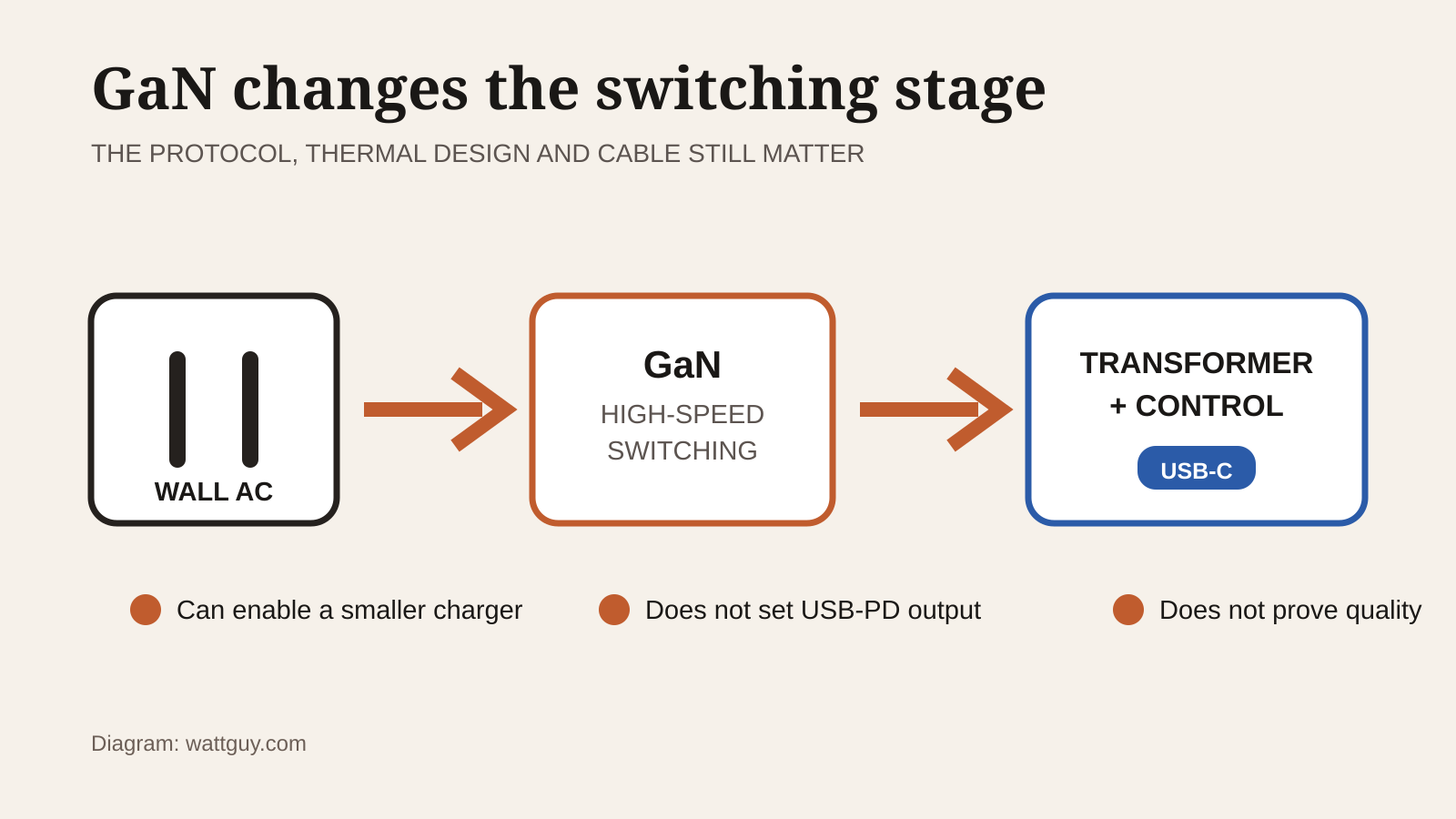
What is a GaN charger? It is a wall charger that uses gallium nitride power transistors in place of conventional silicon transistors for part of its power conversion. That change can put more output into a smaller case, but the GaN label does not tell you whether a charger will fast-charge your phone or properly power your laptop.
Last updated: October 18, 2026
I would pay extra for GaN when it replaces two or three bulky chargers in a travel bag. I would not replace a reliable charger just because the new one says GaN. USB Power Delivery support, output per port, cable rating, power sharing, and an authentic safety approval mark matter more than the semiconductor on the box.
This is a research-based explainer, not a hands-on charger test. Watt Guy has not measured the efficiency, temperature, or sustained output of the chargers discussed as examples.
What is a GaN charger?
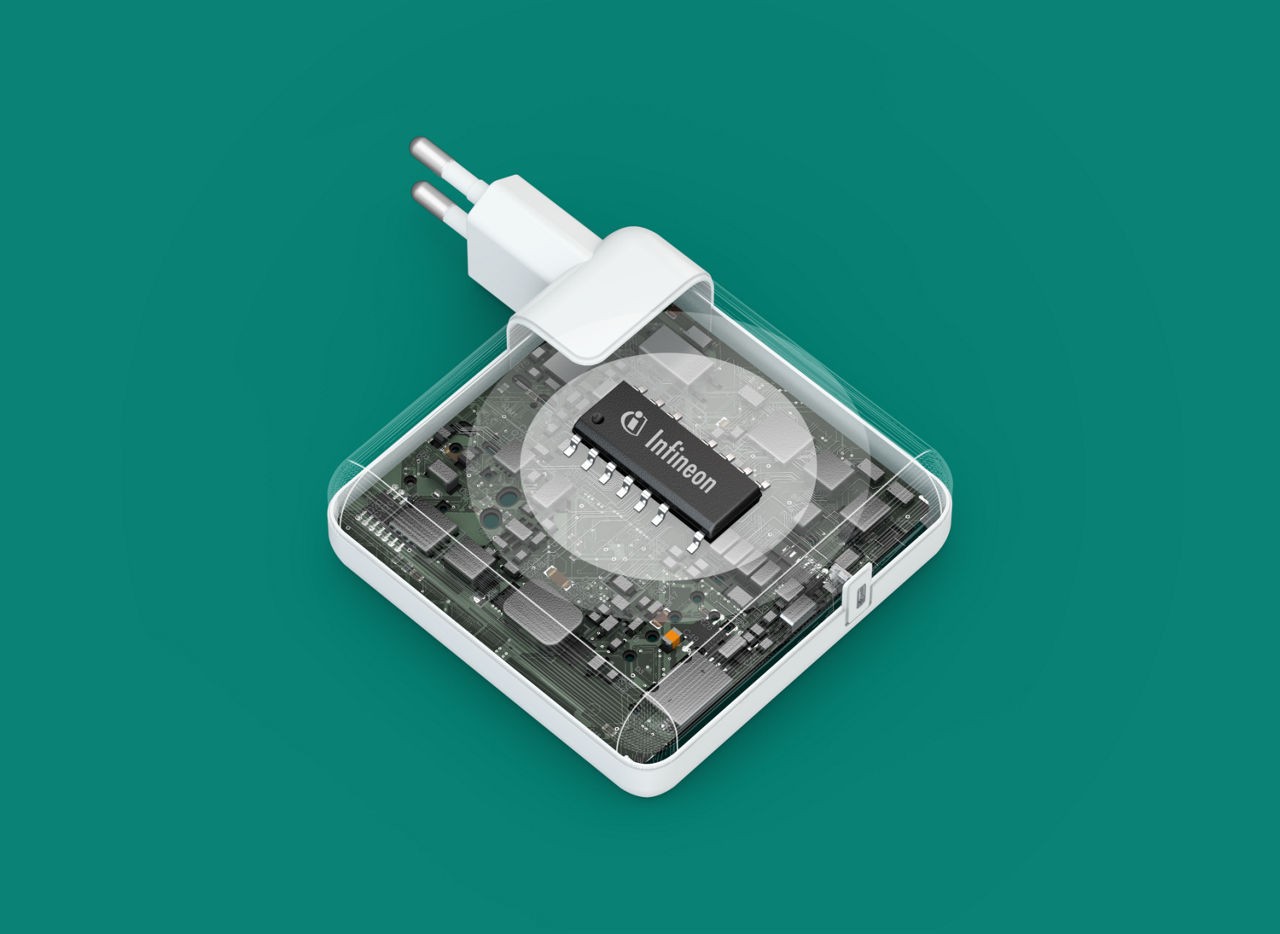
A charger converts AC power from the wall into the regulated DC power a device accepts. In a GaN charger, gallium nitride transistors perform high-speed switching during that conversion. Semiconductor maker Infineon explains that GaN transistors can switch at higher frequencies with lower switching losses than conventional silicon designs.
Higher switching frequency lets a designer use smaller magnetic components and fit more power into a compact enclosure. It does not guarantee a good finished charger. The controller, transformer, thermal design, protections, connectors, and manufacturing quality still decide how the complete product behaves.
GaN also does not set charging speed by itself. A 65W GaN charger and a well-designed 65W silicon charger can offer the same 65W USB Power Delivery profile. The GaN version’s useful advantage is usually size and weight, not extra power delivered to a device that already tops out at 65W.
GaN and USB Power Delivery do different jobs
GaN describes transistor technology inside the adapter. USB Power Delivery, usually shortened to USB PD, is the communication and power standard used between compatible chargers and devices. USB-C only describes the connector family, so a USB-C port is not proof of a particular wattage or protocol.
The USB Implementers Forum says USB PD lets a device request the power it needs. Current USB PD specifications allow as much as 240W over a suitable full-featured USB-C cable, with fixed 28V, 36V, and 48V levels added above the older 100W limit. That maximum is a capability of the standard, not a promise that every USB-C charger, cable, or computer supports it.
This negotiation is why a standards-compliant 100W USB PD charger can charge a lower-power phone without forcing 100W into it. The phone requests a supported profile. Compatibility can still fall back to a slower rate when the charger lacks the protocol or voltage profile a device expects.
Charger labels and what they actually tell you.
| Label | What it means | What to check next |
|---|---|---|
| GaN | Gallium nitride switching technology is used inside. | Protocols, output per port, size, and approval mark. |
| USB PD | The charger supports USB Power Delivery negotiation. | Exact voltage and wattage profiles required by your device. |
| PPS | Programmable Power Supply can provide adjustable voltage within supported ranges. | Whether your phone or tablet uses PPS, and at what rate. |
| 100W total | All ports together can provide up to 100W under stated conditions. | Single-port maximum and the multiport allocation table. |
| 100-240V input | The electronics accept common mains voltages in that range. | A safe plug adapter for the destination and the charger’s frequency rating. |
Choose wattage from the device, not the GaN badge
Start with the wattage and charging standard specified by the device maker. A replacement laptop charger should supply at least that required wattage from one compatible port. More advertised watts are useful only if the device can request them or if the extra capacity serves another port.
Consider a laptop supplied with a 65W USB PD adapter and a phone that can use 20W. Their combined target is 85W. A three-port charger marked 100W can cover both only if its power-allocation chart provides at least 65W to the laptop port and 20W to the phone port at the same time. Some chargers redistribute output when a second cable is connected, so the 100W total on the front is not enough information.
A lower-wattage adapter may charge a sleeping laptop yet lose ground while the computer is under load. A much higher-wattage USB PD adapter is not automatically faster because the laptop still requests only a supported level. For a laptop power bank, the same rule applies to both the bank’s USB-C input and its output: check each port, not just the largest number in the specifications.
The cable can become the limit
The cable is part of the power path. Under the USB Type-C cable specification, standard USB-C cables can carry 3A, while cables rated above 3A require an electronic marker. At 20V, 3A limits that cable to 60W. A 100W setup needs a compatible 5A cable, and power above 100W needs an Extended Power Range cable rated for the requested level.
Do not assume a cable included with a phone can carry a laptop charger’s full output. Look for a stated power rating from a reputable maker. Data speed is a separate specification, so a cable can support high charging power while offering only basic USB data speed.
The same checks apply when charging from another battery. Some of the portable power stations covered by Watt Guy have high-output USB-C ports, but the connected device, port profile, and cable still determine the negotiated rate.
Check multiport behaviour before buying
A multiport GaN charger earns its space by replacing separate adapters. The compromise is power sharing. Makers commonly publish a diagram showing each port’s solo output and the split used for two or three connected devices. Read that diagram before comparing total wattage.
Port order matters on some models. One USB-C port may be the only one capable of the charger’s highest output, while a USB-A port may use a separate fast-charge protocol. Connecting or disconnecting a device can also trigger a brief renegotiation, which may interrupt power for a moment. That is inconvenient for a phone and more important if the charger powers a small computer or other device without a battery.
Canadian buyers should check the approval mark
Compact size is not a safety credential. In Ontario, the Electrical Safety Authority requires electrical products to carry a recognized approval mark from an accredited certification or evaluation agency. Its list includes recognized marks from CSA, UL, Intertek, and other bodies.
Check the mark on the charger itself and confirm it is a certification mark for the complete product. The ESA specifically distinguishes component-recognition marks from marks accepted on finished equipment. A marketplace listing that merely says “compliant” or displays a generic logo is not the same evidence.
Also inspect the physical basics. The plug should fit firmly, the case should not be cracked, and the cable should not have damaged insulation or bent contacts. Stop using a charger that arcs, smells burnt, discolours, or repeatedly disconnects. GaN can enable a smaller design, but it cannot make damaged equipment acceptable.
Who should skip a GaN charger?
Skip the upgrade if your current approved charger already fits your bag, meets the device’s required protocol and wattage, and has the ports you need. GaN will not improve the battery or raise a device’s own charging limit.
A simple silicon charger can also be the sensible choice for one low-power device kept in one place. At the other end, a gaming or workstation laptop may need a proprietary adapter for full performance even if it accepts lower-power USB-C charging. Check the computer maker’s documentation before replacing that brick.
Is a GaN charger worth it?
Yes, when a properly approved multiport model can replace several chargers and still meet every device’s protocol and per-port power requirement. The strongest use case is travel with a USB-C laptop, phone, and tablet, where size and outlet count both matter.
No, when GaN is the only meaningful specification. Choose the power profiles first, then the port allocation, cable, and approval mark. Treat the GaN label as a compactness advantage after those checks pass.
How this guide was researched
This article is based on USB-IF power-delivery documentation, Infineon’s explanation of GaN power conversion, and Ontario Electrical Safety Authority approval guidance. Watt Guy did not handle or test a GaN charger for this guide, so it makes no claims about a specific model’s temperature, efficiency, or sustained output.